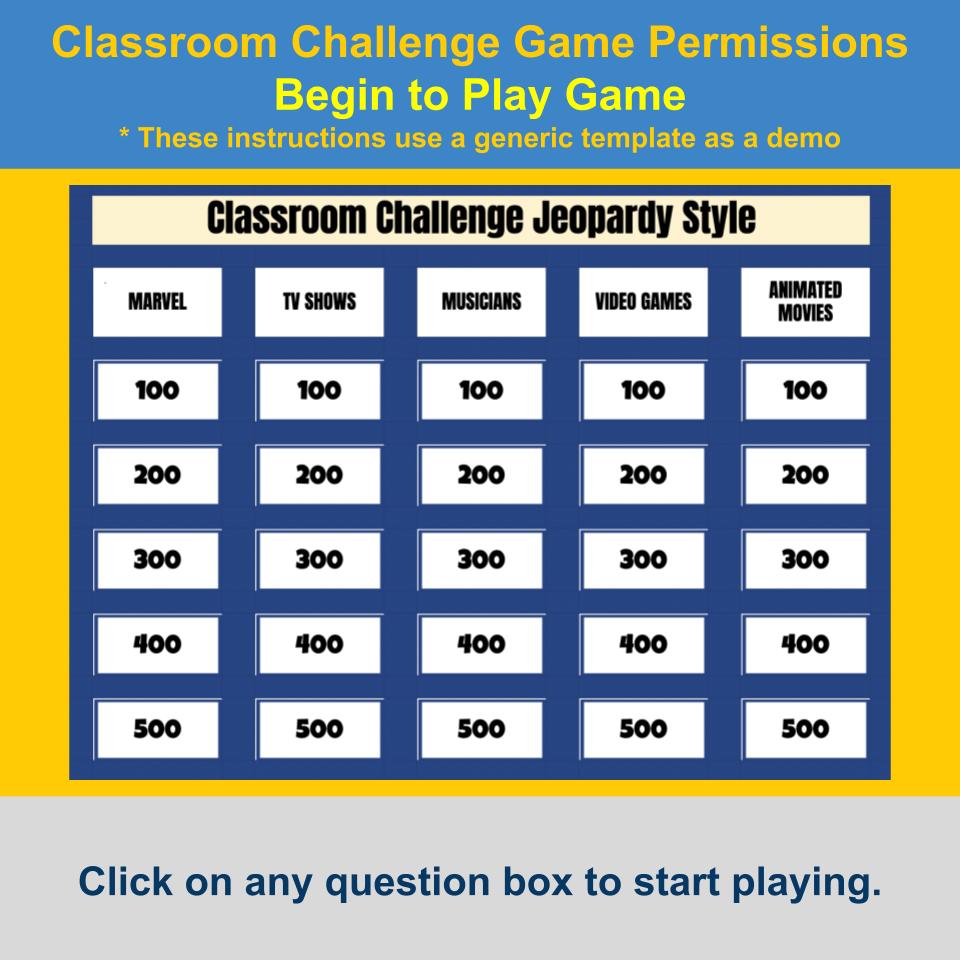
Turn review into a lively classroom game show with State of Michigan Jeopardy Game I0010, an interactive Jeopardy-style Google Sheets game that makes trivia, facts, history, geography, and general knowledge more engaging.
Centered around Michigan, questions may explore history and milestones, geography and nature, famous people and culture, official symbols, inventions and achievements, sports and entertainment, important places, memorable events, and fascinating facts.
Students work together to answer questions, discuss what they know, and build knowledge through friendly competition. The familiar game-show format encourages critical thinking, teamwork, participation, and recall while keeping review fun and low pressure.
Use it for whole-class instruction, review days, test prep, enrichment, early finishers, sub plans, learning stations, or classroom competitions. With minimal setup and built-in scoring and navigation, State of Michigan Jeopardy Game I0010 makes it easy to bring more energy into social studies, geography, history, or general trivia lessons.
⭐ Why Teachers Love It
- “My students had so much fun with this Jeopardy game—very interactive and educational!”
- “Great for review before a test—students were engaged the entire time.”
- “Easy to use and perfect for small group or whole class competitions.”
- “Loved using it with my special education students—it kept them focused and motivated.”
- “These are super easy to assign through Google Classroom—I’ll use it again!”
🎯 Benefits for Teachers and Students
✅ Boosts Engagement — Turns facts and review into an interactive classroom competition.
✅ Builds General Knowledge — Helps students explore important people, places, events, geography, culture, and achievements.
✅ Encourages Critical Thinking — Students recall, apply, and discuss what they know.
✅ Promotes Teamwork — Builds communication, participation, and classroom community.
✅ Saves Prep Time — Includes complete games ready for classroom use.
✅ Reusable and Fully Customizable — Edit your purchased Google Sheets templates for future lessons and topics.
📦 What You Get
-
2 Ready-to-Play Jeopardy-Style Games in Google Sheets
- 5 Categories and 25 Questions Per Game
- 50 Questions Total
- Answer Keys for Easy Reference
- Built-In Score Tracking and Game Navigation
- Full Customization of Your Purchased Templates
- No Additional Add-on or Subscription Required to Play
- Complete Prebuilt Game Content Ready to Use
🎮 Game 1 Categories
State Facts
Famous Places
History
Sports
Geography
❓ Game 1 Sample Questions
What is the capital of Michigan?
Lansing
Which city is known for ArtPrize?
Grand Rapids
What year did the Detroit fire occur?
1805
Which university has the Spartans?
Michigan State University
What is Michigan's largest island?
Isle Royale
🎮 Game 2 Categories
Economy
Education
Nature
Culture
Food
❓ Game 2 Sample Questions
Which industry is Detroit famous for?
Automobile
Which university is in East Lansing?
Michigan State University
What is Michigan's state fish?
Brook Trout
What is the name of Detroit's opera house?
Detroit Opera House
What is Vernors?
Ginger ale
📥 Accessing Your Resource
After purchase, you will receive a PDF guide with step-by-step instructions and Google Template Preview links.
Open each link and select “Use Template” to create your own copies in Google Drive. Your purchased copies include all prebuilt questions, answers, categories, and game content included with this resource.
Your Google Sheets templates can also be fully customized with your own categories, questions, and answers.
🛠️ How the Game Works
Classroom Challenge runs directly in Google Sheets and uses a built-in script to manage scoring, navigation, gameplay, and other interactive features.
The first time you use the game, Google may ask you to authorize the script. Follow the on-screen prompts to complete the setup.
This resource was created using my Google Workspace Marketplace Classroom Challenge Add-on.
The Add-on is optional and can also help you create and import your own Classroom Challenge content.
No All Access Membership or paid subscription is required to play or customize the Google Sheets games you purchased.
▶️ Watch the Game and Template Overview
For more information about the game and setup, watch:
https://youtu.be/wWdeU99JkiM
🔄 Your Purchase vs. Gamified EduTech All Access
Your purchase gives you the complete Classroom Challenge games included with this resource. You can play the full games in Google Sheets, edit the categories, questions, and answers, and reuse the templates for future lessons.
You can also claim your purchased game through the Gamified EduTech platform. Once claimed, you can play that complete purchased game through Gamified forever without a subscription.
Your purchased Google Sheets templates remain fully customizable. However, changing or customizing game content directly within Gamified EduTech requires a Classroom Challenge subscription.
The Gamified EduTech All Access Membership lets members explore the larger game library, including Jeopardy-style, Family Feud-style, Wheel of Fortune-style, Who Wants to Be a Millionaire-style games, and other classroom resources.
Classroom Challenge games that have not been individually purchased or unlocked through a Classroom Challenge subscription are available in limited 4-question versions.
A Classroom Challenge subscription unlocks the full Jeopardy-style experience on Gamified, including complete games, expanded customization, browser-based gameplay, and broader access to the Classroom Challenge game library.
🎟️ Gamified EduTech All Access Membership
This resource is also included in the Gamified EduTech All Access Membership.
Already using Gamified EduTech?
Click here to view and download